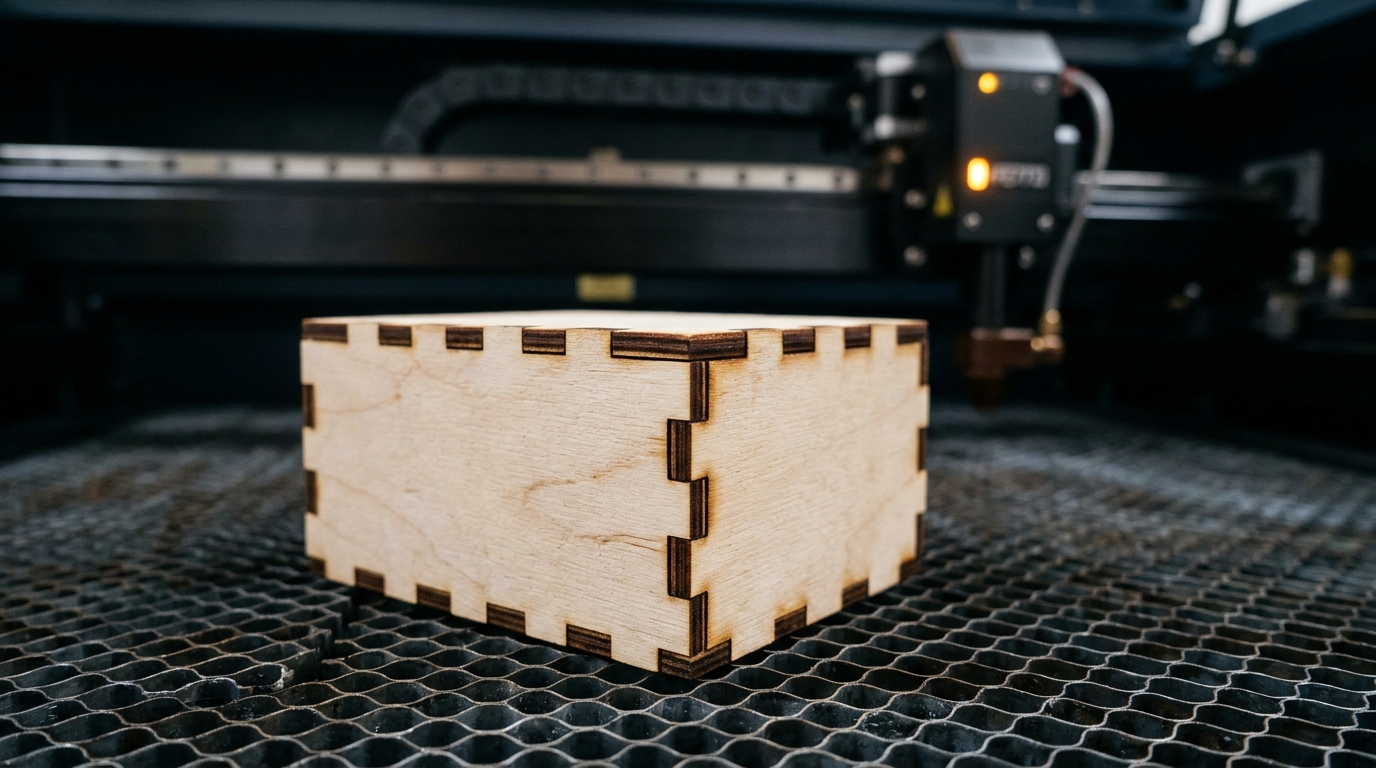
The Problem With Drawing Laser Cut Boxes by Hand
Interlocking finger joints (also known as box joints or comb joints) are the foundation of laser-cut enclosures, project boxes, organizers, and architectural models. They provide exceptional mechanical strength and glue surface area. However, drafting a 6-sided finger-joint box manually in AutoCAD, Illustrator, or Inkscape is an exercise in pure frustration:
- You must calculate dozens of alternating male tabs and female slots across 6 distinct panels (top, bottom, front, back, left, right).
- If your material is 3.1mm thick instead of 3.0mm, every single slot depth is wrong and your box edges will protrude awkwardly.
- If you forget to compensate for laser beam kerf, the tabs will slide together loosely and require messy glue or clamps to stay assembled.
Generate Custom Laser Boxes in Under 10 Seconds
Configure custom width, height, depth, material thickness, and kerf offset. Inspect the live 2D layout canvas and download LightBurn SVG or AutoCAD DXF instantly.
Launch Free Laser Box Generator →How Kerf Compensation Creates a Glue-Free Snap Fit
The laser beam does not cut like a zero-width mathematical line. As the focused optical beam vaporizes wood or acrylic, it removes a sliver of material known as the kerf (typically 0.10mm to 0.25mm wide). If you cut slots and tabs without offset compensation:
- Every male tab becomes slightly narrower than designed (-0.15mm).
- Every female slot becomes slightly wider than designed (+0.15mm).
- The combined tolerance gap reaches 0.30mm, causing loose, wobbly joints.
The 0Machine Laser Box Generator automatically expands male tabs by half the kerf (+k/2) and narrows female slots by half the kerf (-k/2). This produces a satisfying, tight friction fit where the panels snap together securely without requiring glue.
Step-by-Step Guide: Generating Your First Box
- Measure Real Material Thickness: Take digital calipers and measure 3 spots on your plywood sheet. Never assume 3mm wood is exactly 3.00mm. Enter the actual measured thickness (e.g. 2.95mm).
- Set External Dimensions: Enter target Width (X), Height (Y), and Depth (Z) in millimeters.
- Select Tab Width: For small boxes (under 100mm), choose 8–10mm tabs. For larger storage crates, choose 15–20mm tabs.
- Set Kerf Offset: For Baltic birch plywood, start with 0.15mm. For cast acrylic, start with 0.12mm.
- Choose Box Style: Select between a Closed 6-sided box or an Open-top organizer bin.
- Download CAD Files: Click "Download DXF" for AutoCAD / Fusion 360 / RDWorks, or "Download SVG" for direct drag-and-drop into LightBurn.
Nest All 6 Box Panels to Minimize Plywood Scrap
Cutting boxes in commercial quantities? Use 0Machine Pro True-Shape Polygon Nesting to automatically pack all 6 panels across your raw plywood sheets, saving up to 35% in material waste.
Material Best Practices for Laser Finger Joints
| Material | Typical Kerf | Fit Characteristic | Assembly Tip |
|---|---|---|---|
| Baltic Birch Plywood | 0.14 – 0.16 mm | Firm compression snap | Use a rubber mallet gently; wood fibers compress easily. |
| Cast Acrylic (PMMA) | 0.10 – 0.13 mm | Rigid interlocking | Do not force! Acrylic cracks under tensile strain. Use Weld-On #3. |
| MDF / Draftboard | 0.16 – 0.18 mm | Moderate friction | Absorbs humidity; paint or seal before final assembly. |