The Problem with Standard AI Art for Laser Cutters
Generative AI has revolutionized graphic design, but for laser cutting and CNC workshop owners, standard AI models like Midjourney, DALL-E 3, and Stable Diffusion are practically useless. They output raster bitmap JPEGs and PNGs made of millions of tiny square pixels.
A CNC laser cutter cannot cut pixels. It requires continuous, closed mathematical vector paths (bezier splines and line segments) that tell the motion controller exactly where to turn on the laser tube, what speed to travel, and which direction to follow. When makers attempt to auto-trace Midjourney images using Inkscape or Illustrator, they are met with open contours, hundreds of jagged stray nodes, and overlapping lines that ruin expensive wood.
Generate Cut-Ready Vectors with 0Machine LaserAI
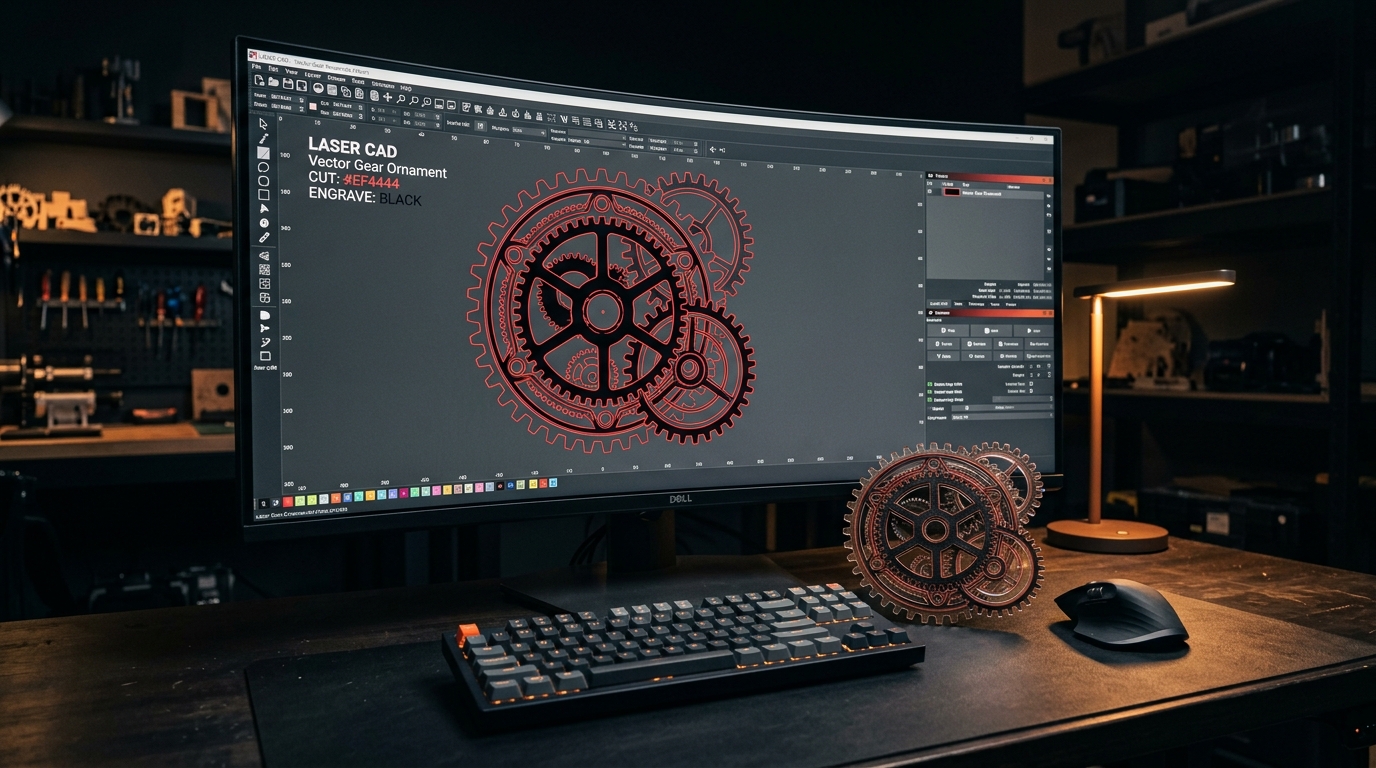
Turn simple text prompts into production-ready closed vector contours with separate Cut (#EF4444) and Engrave (#000000) layers instantly.
Try LaserAI Studio Now →What Makes a Vector "Laser-Ready"?
0Machine LaserAI was engineered specifically for laser and CNC manufacturing constraints:
- 100% Closed Contours: Every cut shape is a verified closed polygon. No open endpoints where the laser head stops firing mid-cut.
- Color-Coded CAM Layers: Contours are automatically mapped to standard LightBurn layers: Red (
#EF4444/ C00) for Outer Cuts, and Black (#000000/ C01) for Vector Engravings. - Stencil Bridging Logic: Automatically connects floating islands (such as the center hole in letters A, B, D, O, P, R) to the outer frame so they do not fall through the honeycomb bed.
- Optimized Node Count: Eliminates jagged, micro-segmented bezier curves that cause laser stepper motors to stutter, delivering fluid, mirror-smooth cuts.
Walkthrough: Generating a Custom Keychain in 3 Seconds
- Enter Your Prompt: Type a description into 0Machine LaserAI, such as "geometric mountain wolf head keychain with circular hanging loop."
- Select Mode: Choose Cut + Engrave to give the wolf an engraved face with an outer cut silhouette border.
- Generate: The engine generates clean vector contours in under 3 seconds.
- Export: Download the SVG or DXF file and drop it directly into LightBurn, LaserGRBL, or RDWorks with zero manual cleanup required.
Explore 5,000+ Battle-Tested Vector Design Packs
Looking for proven bestsellers? 0Machine Pro includes our curated Commercial Design Vault featuring multilayer shadowboxes, 3D mandalas, living hinge organizers, and wall clocks with full commercial resale rights.
Access Commercial Design Vault in Pro →